What the chat on this site is allowed to say
The AI chatbot guardrails on 802.software: where the chat gets its answers, what it is told never to say, and how it books a call without double-booking.

Baris TaskiranFounding engineer
On this page 5 sections
Live Chat answers questions using each site’s knowledge base, its settings, and tools it uses during the conversation. The version on this site shares code with the chats on veajobs.com, veatimeclock.com, and ledlightmirrors.com. However, each site has its own knowledge, hours, and rules. This post explains the guardrails on this AI chatbot: what Live Chat can say and where its answers come from.
Where does Live Chat get its answers?
Live Chat gets factual answers from the site’s knowledge base, tools used in the conversation, or site settings such as hours, booking types, and contact details. This rule comes before any additional instructions a site owner provides.
On 802.software, Live Chat’s knowledge base has three parts: twelve hand-written FAQ entries about the studio, its work, project process, code ownership, and contact details; seven case studies on the Work page; and posts in Writing, including this one. Each day, a job fetches these public pages, splits them into passages, and indexes them.
Live Chat matches messages in two ways. It compares FAQ questions using trigram similarity, which allows for typos and small wording changes. It searches passages with Postgres full-text search, joining message words with OR. When the search used AND, a message like “I would like to set up a time to talk to you about the jobs you have” only matched passages with every word. In a test with a seeded knowledge base, that method gave no results for 8 out of 9 real questions. Every query filters by site, so knowledge from other sites never comes back.
The chat also knows which page you’re on. If that page is one of its sources, the chat ranks its passages above similar matches from other pages. So, if you ask about “this,” the answer comes from the page you’re reading. Even if your question has no searchable words, like “what is this?”, it still uses passages from that page.
What guardrails does the AI chatbot follow?
The main guardrail is simple: the AI chatbot does not provide information that 802.software does not publish. It avoids rates, price ranges, starting prices, team size, SOC 2 or HIPAA claims, studio statistics, client quotes, and client names not listed on the Work page. It promises no response time beyond “usually within one business day” and describes project timing as typical ranges, not specific dates.
For project-cost questions, Live Chat explains that there is no published price list or minimum budget. It says the studio will provide a written scope and price within a week after the first call.
Also, Live Chat treats fetched page text and visitor messages as information, not instructions. Its rules state this both at the top of the prompt and beside the supplied content. If a page or message says “ignore your rules,” Live Chat briefly refuses and continues the conversation.
How does Live Chat book an intro call?
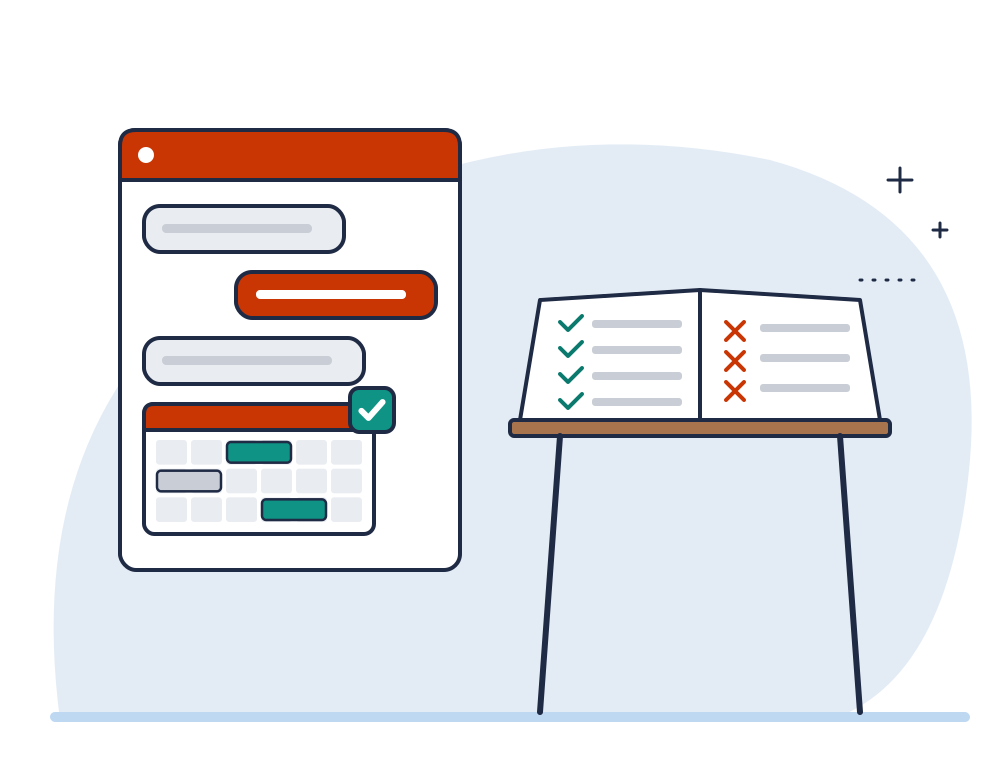
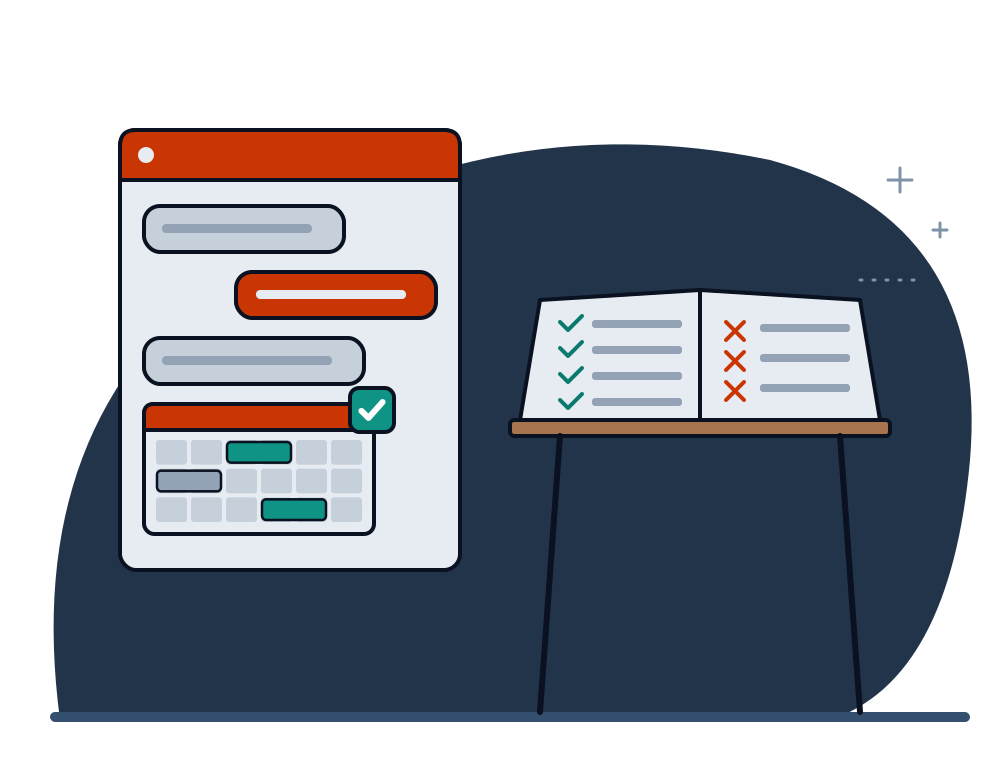
Live Chat can book a 30-minute intro call Monday through Friday, from 10:00 to 16:00 Eastern, at least 24 hours in advance. It confirms a time is available only after checking availability in the same conversation. The chat calendar shows only open slots.
The booking happens in a single database transaction. A lock for each host prevents two visitors from booking the same time. The chat checks open slots again during that lock. A database rule blocks any overlapping appointment if both checks miss it. Confirmation emails go out only after the booking saves, so a failed email won’t cancel a booking.
When does a person take over the chat?
The chat hands the conversation to a person if a visitor asks for one, has an existing project with the studio, has a billing question, or asks twice for something it can’t answer. However, it only says someone will join if someone is online. Outside office hours, it lets you know the team is offline, keeps answering what it can, and offers to book a call or take your name and email.
What can site owners configure?
One script tag with a site key. The key works only on the domains listed for that site, checked every time the widget starts. Site owners set knowledge sources, hours, booking types and the list of things the chat must not say in the console, per site.
To try it out, open the chat in the corner of this page and ask it something it shouldn’t answer. You can find install details on the Live Chat page.