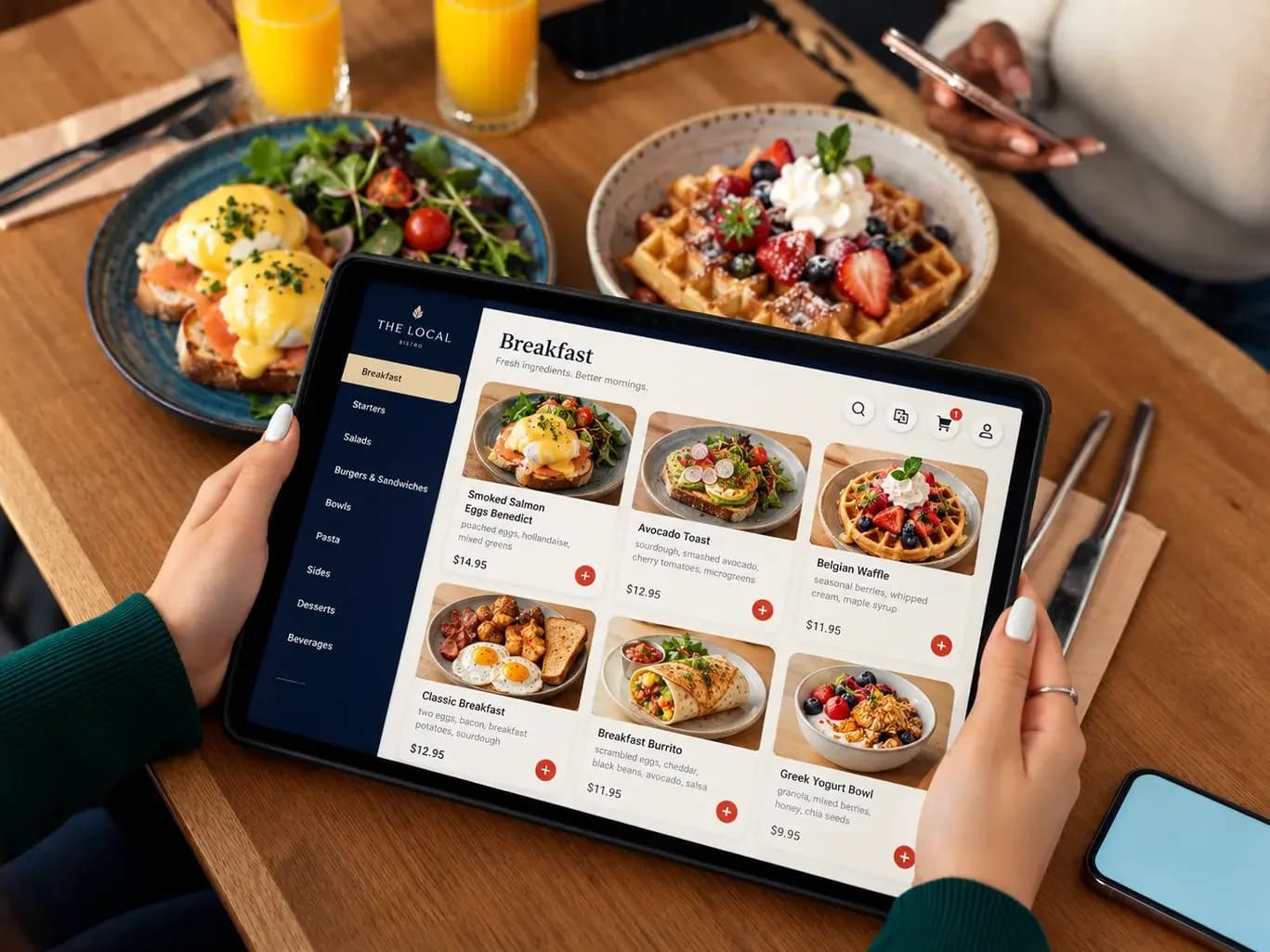
Breakfast · 8:45 am
A café that sells on the photo
Navy and cream, a serif for the dish names, and the plate on the screen is the plate that arrives.
Services
A menu on a tablet at every table, with photos, allergens and today’s specials, updated from one screen the moment the kitchen runs out of something.
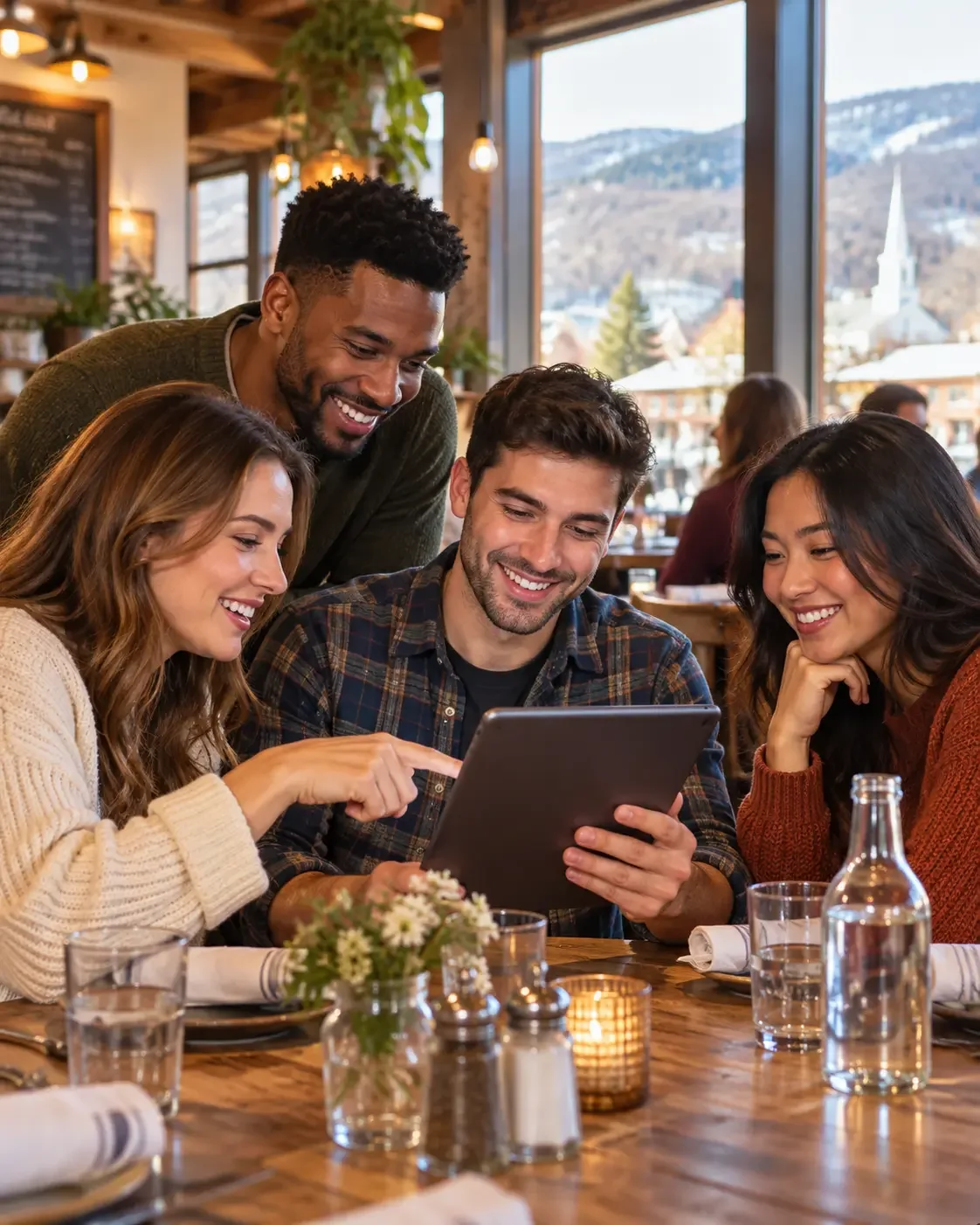
A printed menu is out of date the day it comes back from the printer. Prices change, a dish sells out at eight o’clock, and the special lives on a chalkboard half the room cannot read. A tablet menu shows guests what the kitchen can actually make tonight.
We design the menu around your food and your room: large photos, short descriptions, allergen and dietary marks, and wine or beer pairings where you want them. Your staff change it from one screen, a phone included, and every tablet in the room updates within seconds.
Staff change the menu from a phone. Every tablet in the room shows it within seconds, with nothing to reprint and no server walking table to table.
Sections, dishes and photos laid out for a tablet held at the table, in your restaurant’s look rather than a template’s.
Prices, descriptions, specials and sold-out dishes changed from one admin screen and shown on every tablet at once.
Gluten-free, vegetarian, vegan and allergen information on every dish, with a filter guests can tap.
Lunch, dinner, brunch and happy hour menus that switch on their own at the times you set.
Locked to the menu app, with the menu kept on the device so it still opens if the Wi-Fi drops.
Call-server and ordering features added later, connected to your point-of-sale where it offers an integration.
Three sample designs for three kinds of room. Each follows its restaurant’s look; the screen staff edit from is the same.
Breakfast · 8:45 am
Navy and cream, a serif for the dish names, and the plate on the screen is the plate that arrives.
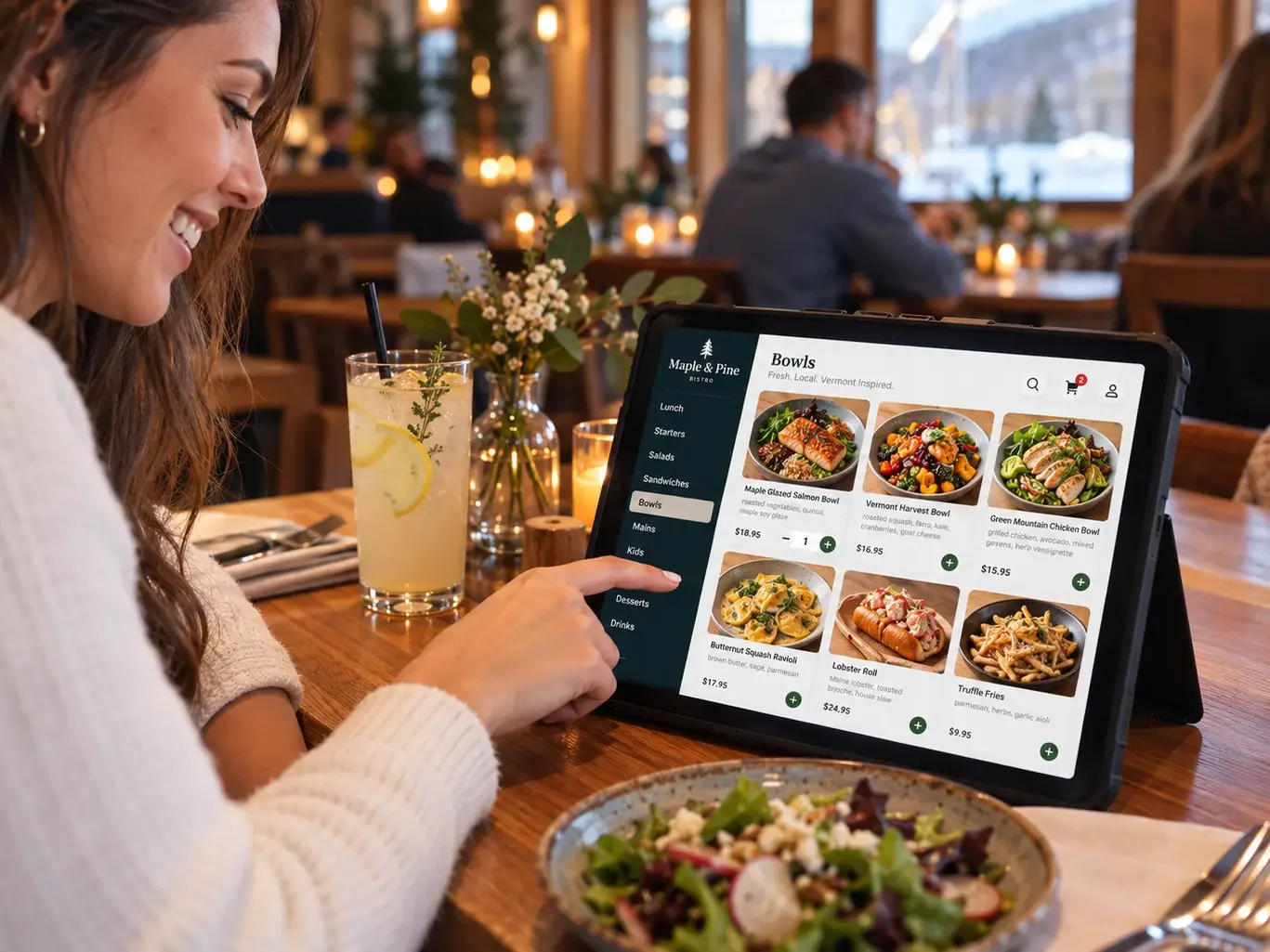
Lunch · 12:30 pm
Forest green and cream for a room with a view of the snow. Same editing screen, different restaurant.
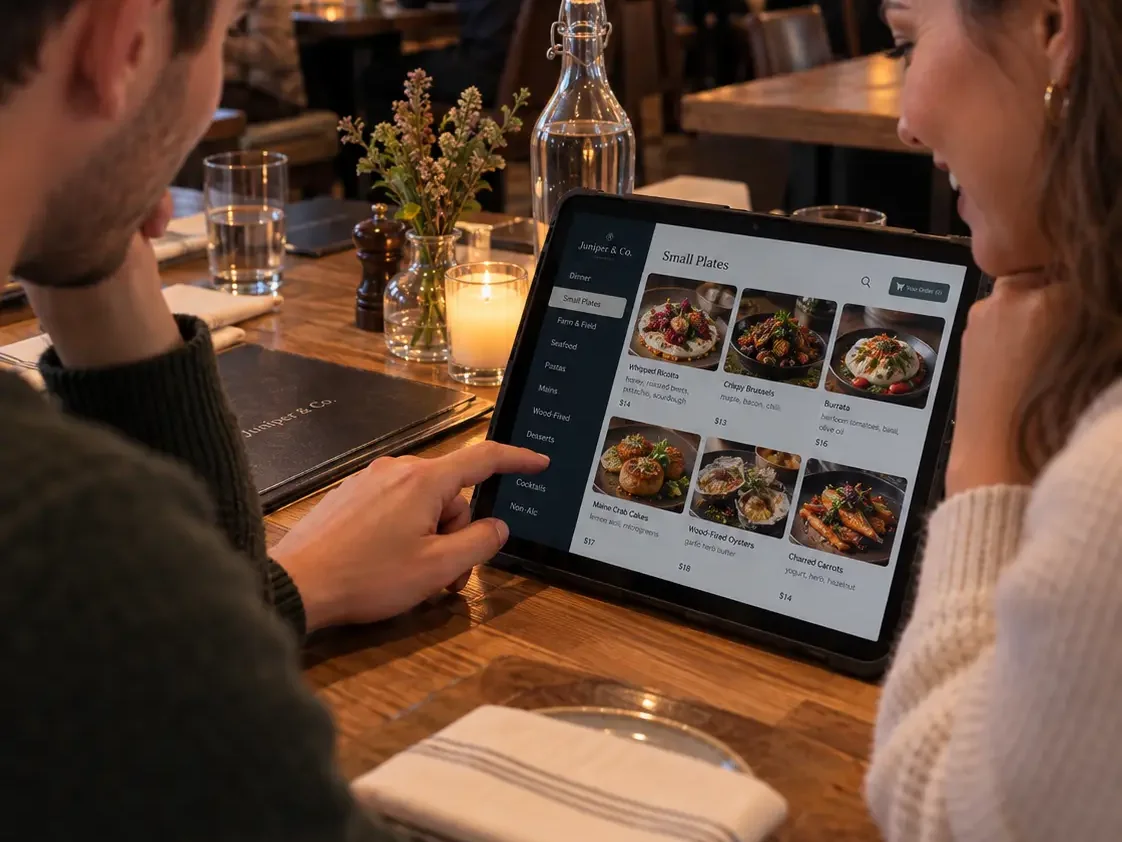
Dinner · 7:30 pm
A darker frame for a candlelit room, with the dinner sections in the order the kitchen sends them.
Sample designs on staged photos, not client restaurants.
Brunch, happy hour, dinner and late drinks switch on at the times you set.
Built with React, TypeScript, Node.js and PostgreSQL.
Your menu, your room and your tablets, and what the first release must do on a busy night.
The menu designed with your dishes and photos, tested on a tablet at a real table.
The menu app and admin built, tablets set up and locked to the menu, staff shown how to edit it.
A soft launch on a quiet night, then updates and new features as the restaurant needs them.
iPad and Android tablets. We can recommend models and cases, or set up the tablets you already own.
The menu is kept on each tablet, so guests can still browse it. Changes made in the admin reach the tablets when the connection comes back.
The first release is usually the menu itself. Ordering can be added after, connected to your point-of-sale when it offers an integration, so orders do not have to be typed in twice.
Your staff, from one admin screen on any phone or computer. Marking a dish sold out takes one tap.
A few lines about the project and when it needs to ship is enough to start. Replies usually come within one business day.
Start a project