Catch the right bus, anywhere in Vermont.
Plan a trip across every Vermont bus timetable, see when your bus leaves, and get a chime before your stop. Free, no account, in six languages.
For iPhone. Coming soon to the App Store.
How it works
From “where to?” to your stop
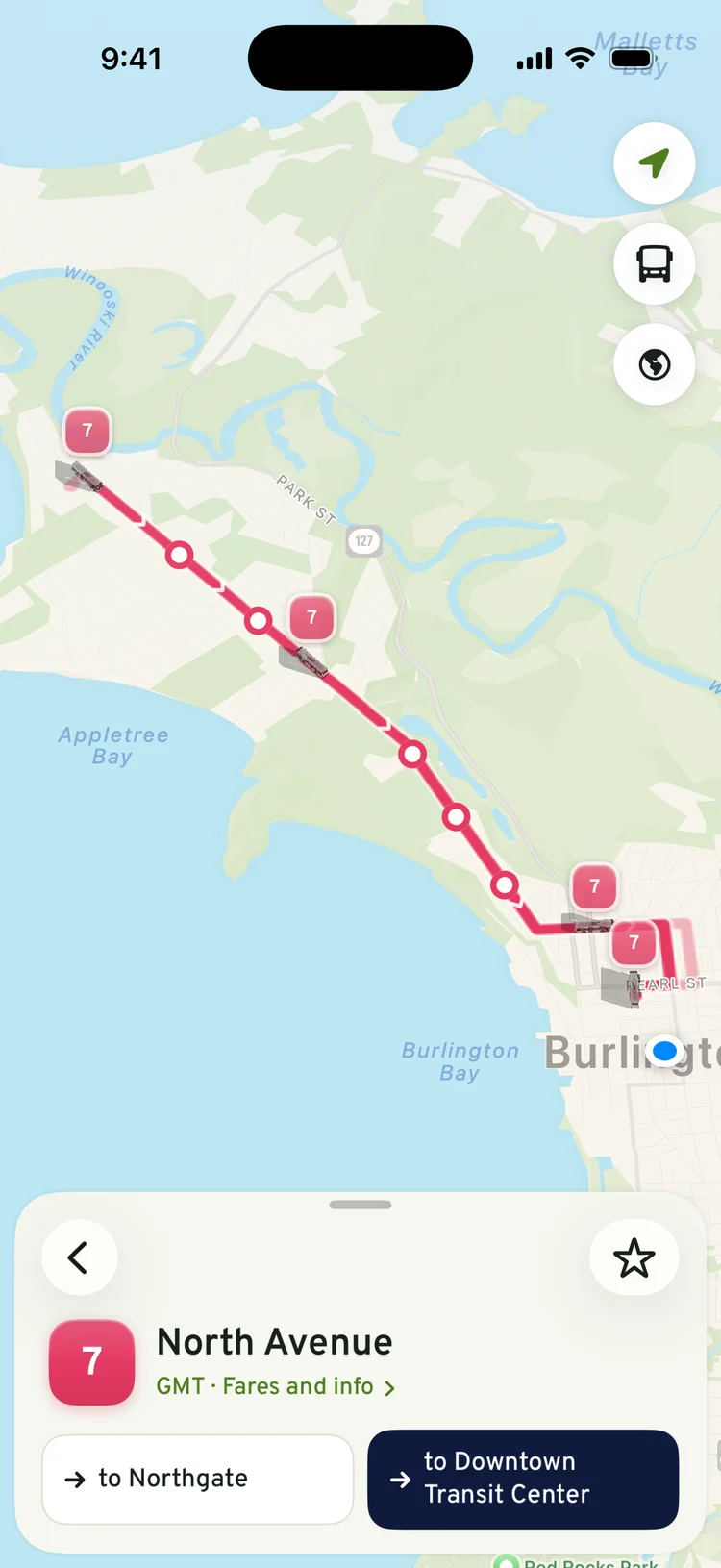
Most bus apps stop at a list of times. BTV Transit stays with you for the whole trip: it plans it, walks you to the stop, follows the bus and tells you when to get off.
Before you leave
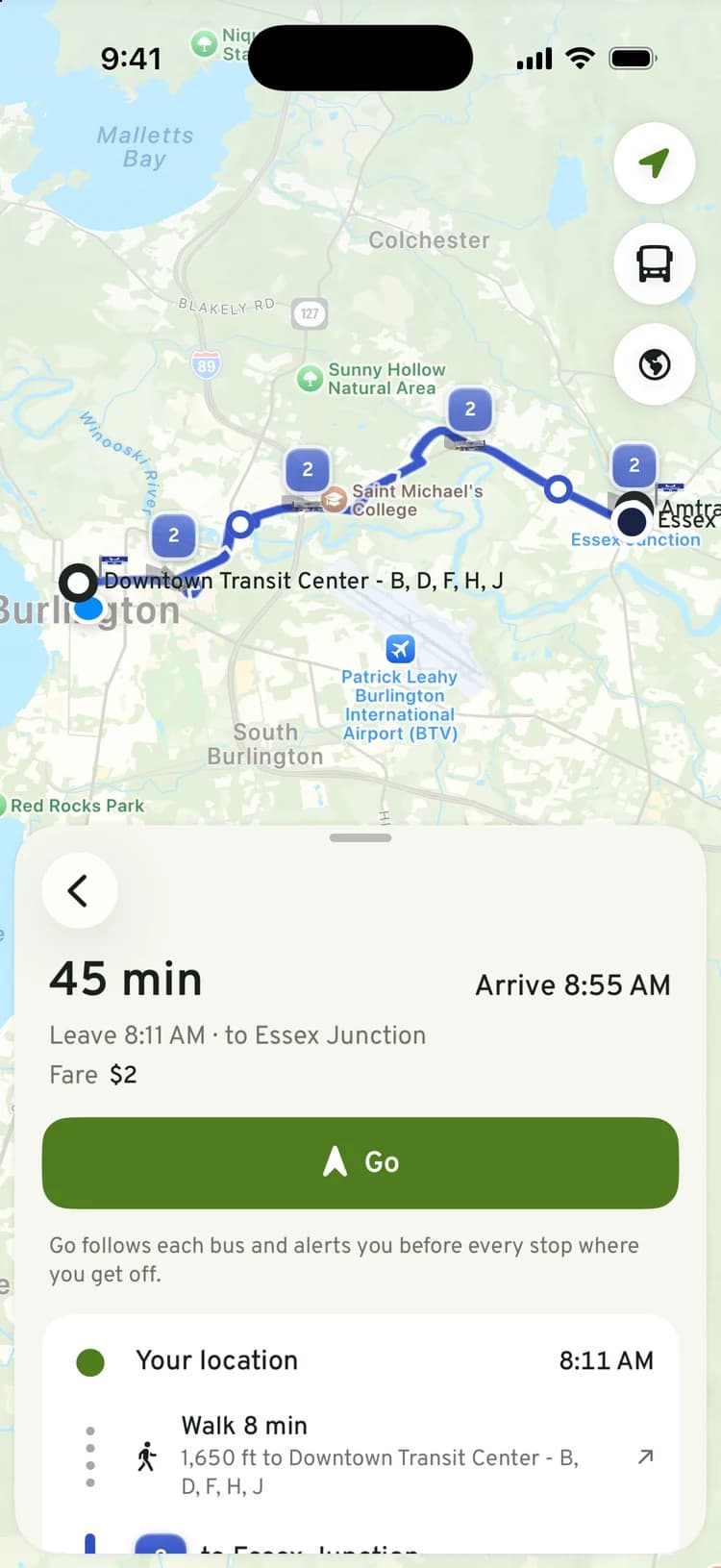
Where to?
Type a place or an address. The trip is planned on your phone across every Vermont bus timetable: the walk to the stop, the bus, any change, and the walk at the end, with the fare. Burlington to Essex Junction comes back as one bus, 45 minutes, $2.
On the way to the stop
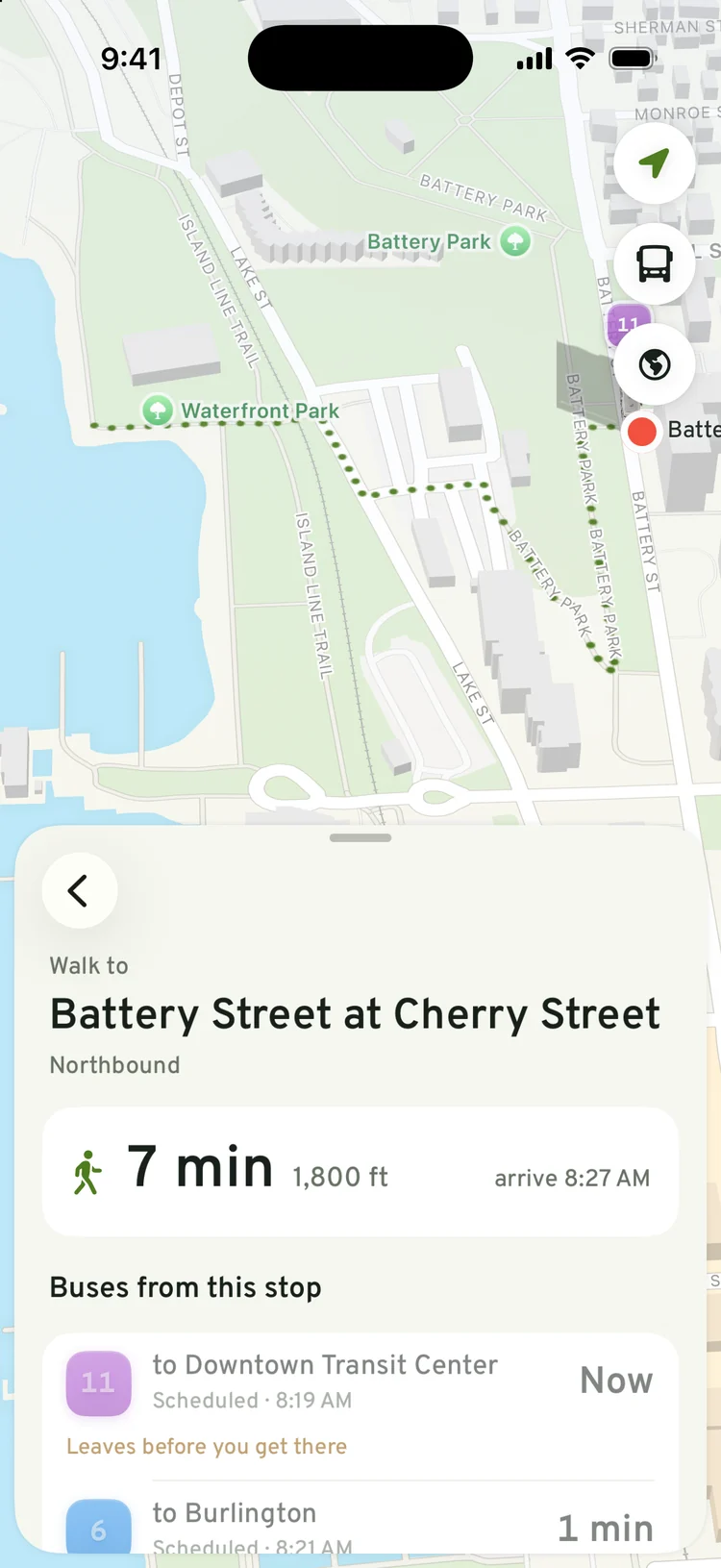
Walk to the right stop
A walking route to the stop, which way the buses there are headed, and the next buses leaving it, so you know which one you'll make.
On the bus
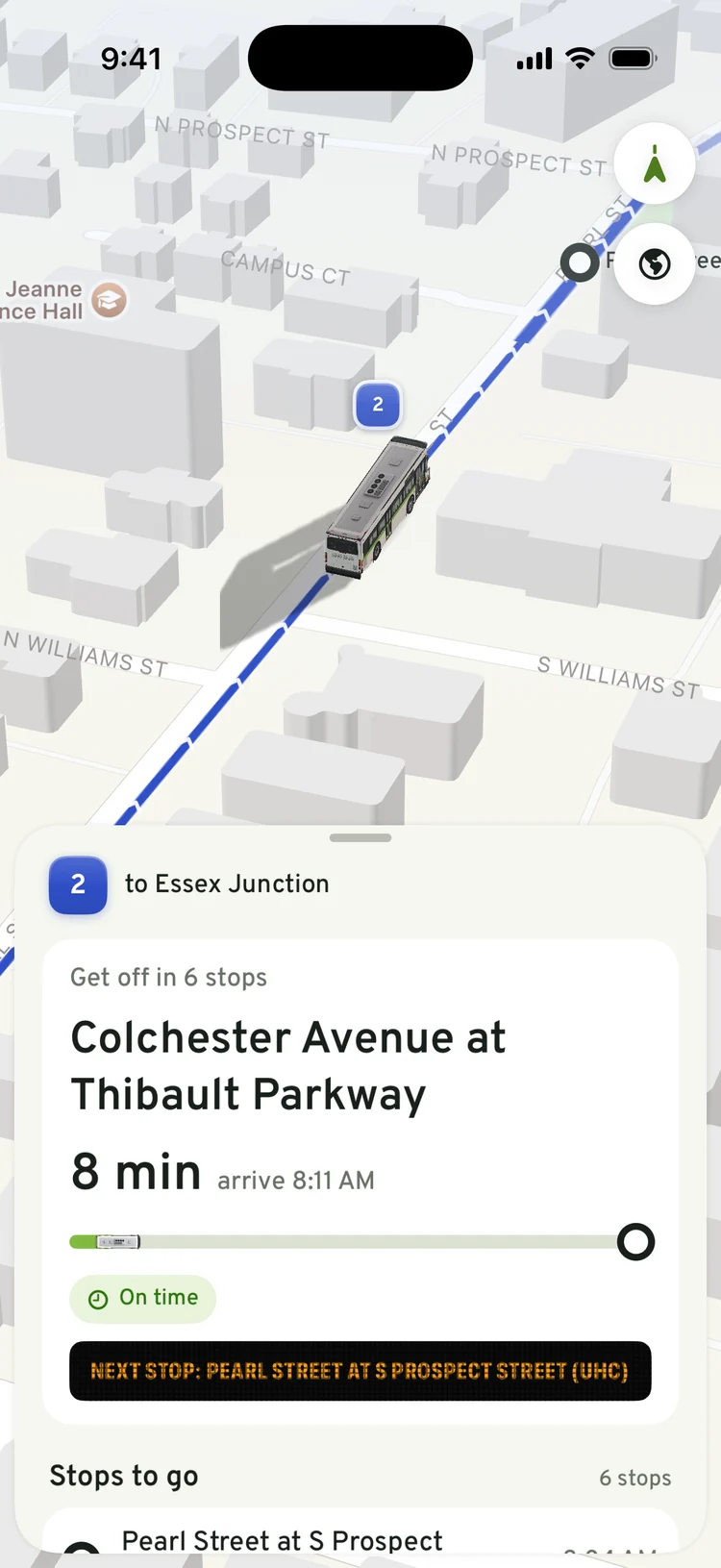
Ride without watching the stops
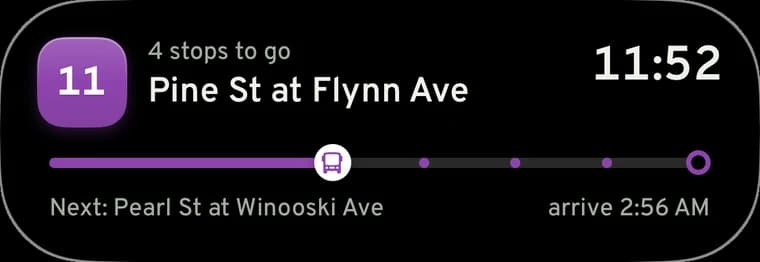
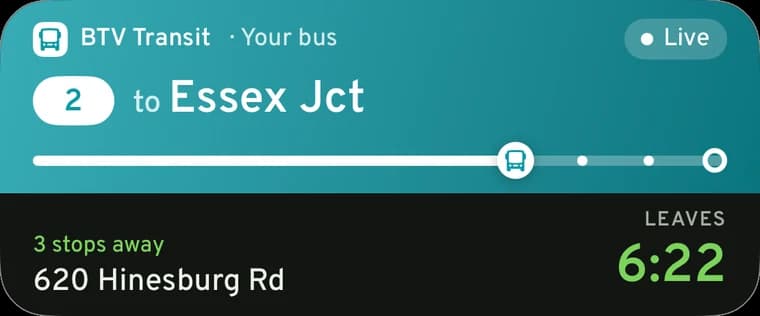
Tap the stop where you get off. Once the bus pulls away with you on it, the app follows the ride on the map, counts down the stops, and shows the next one the way the sign at the front of the bus does.
Coming up to your stop
A chime before your stop
Before your stop the phone chimes, even when it's locked. The Lock Screen and the Dynamic Island keep the countdown in view, so the phone can stay in your pocket.
Where's my bus
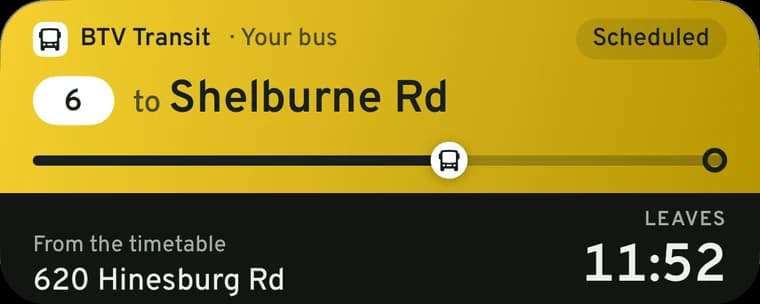
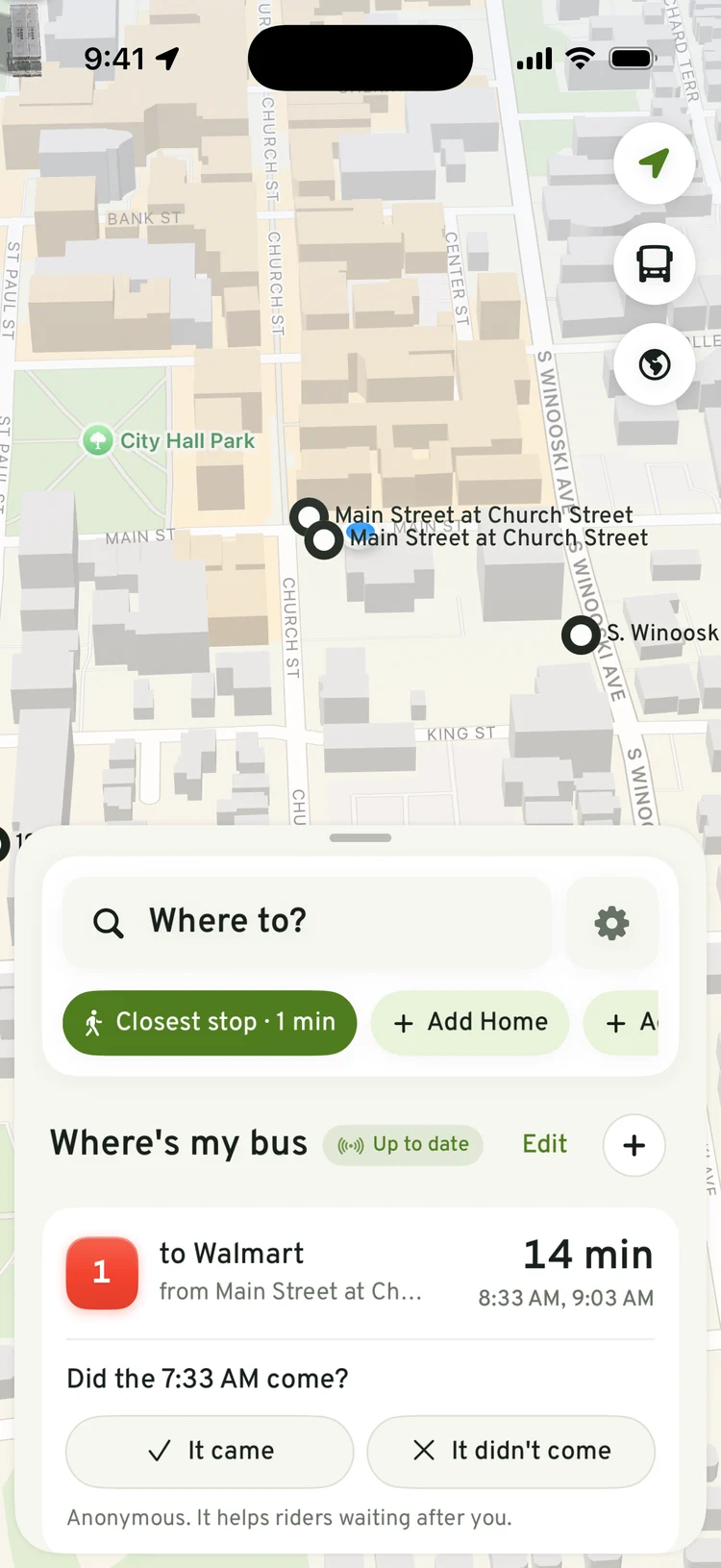
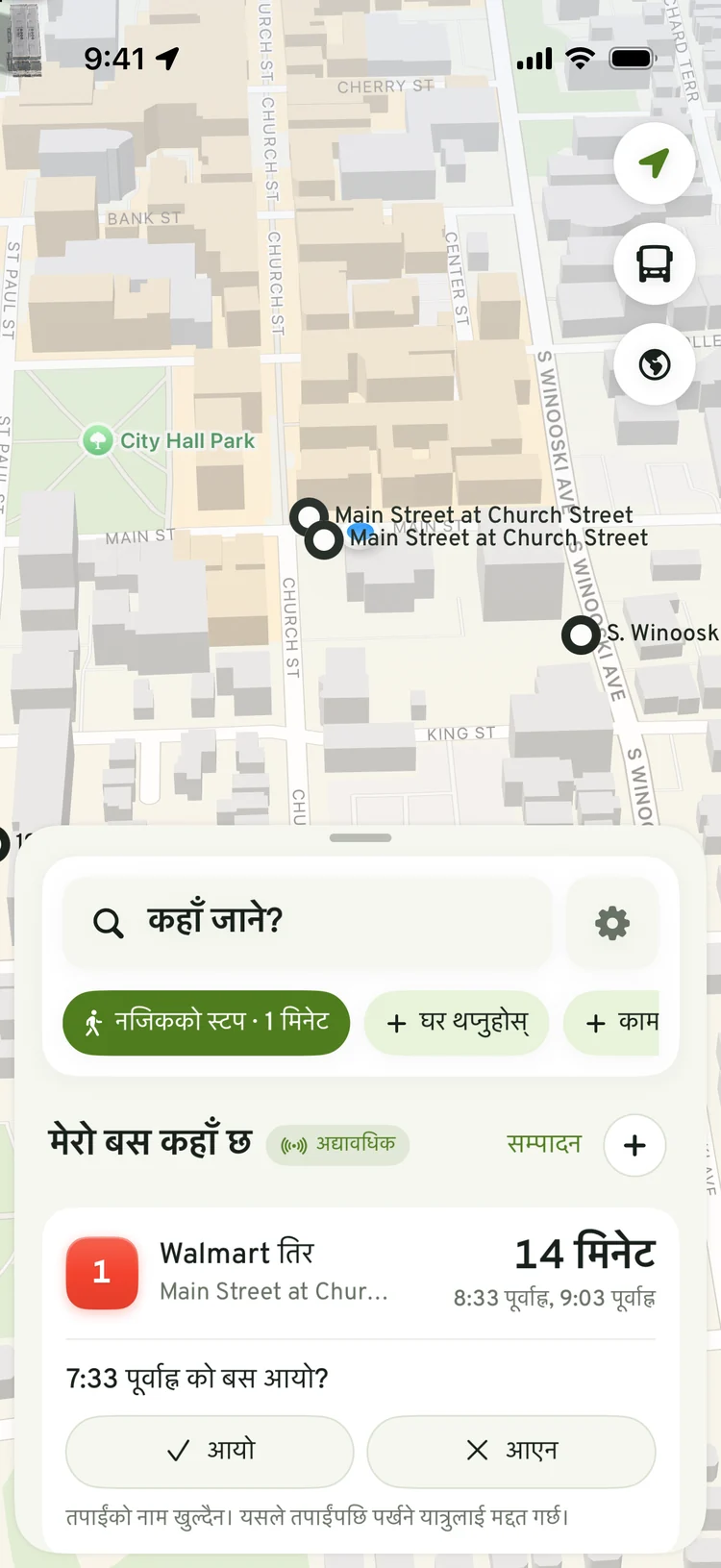
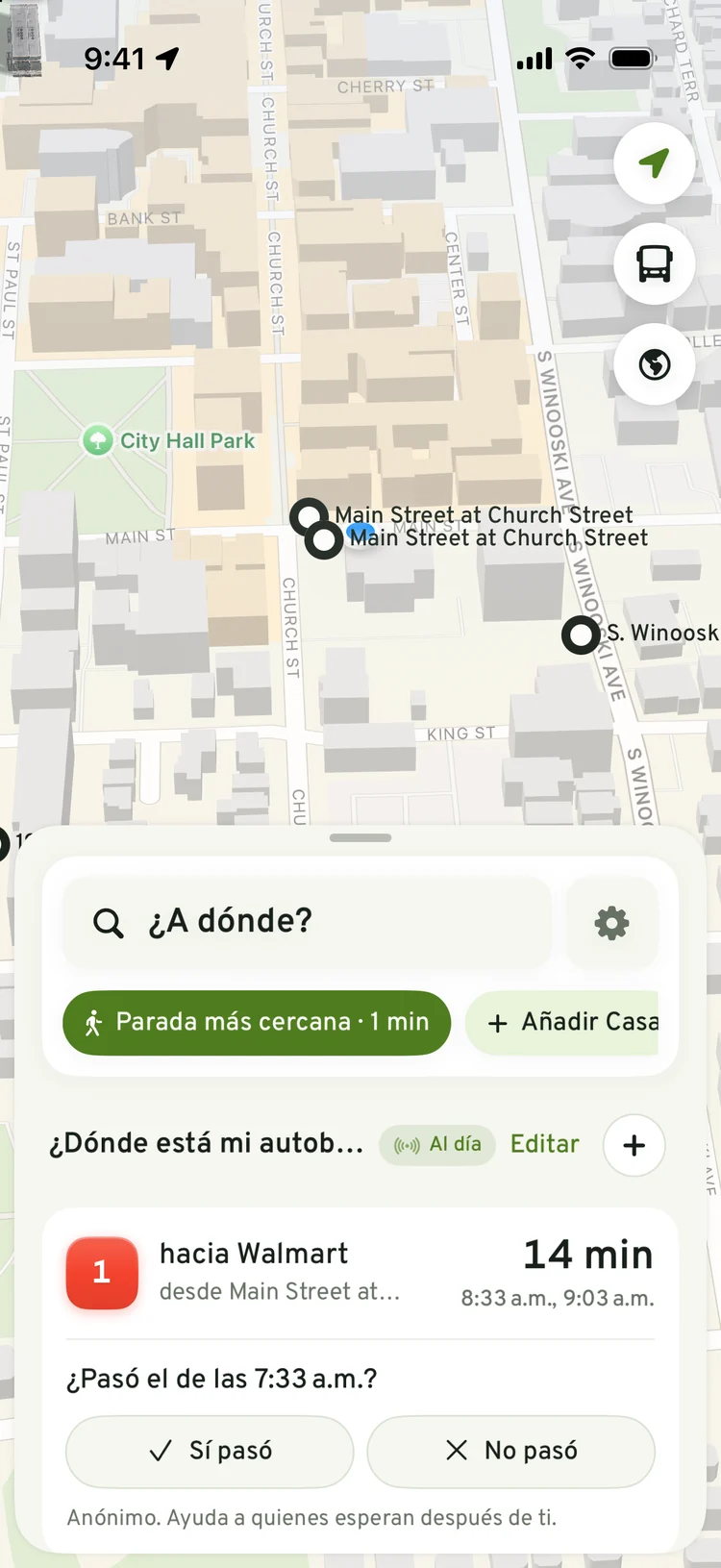
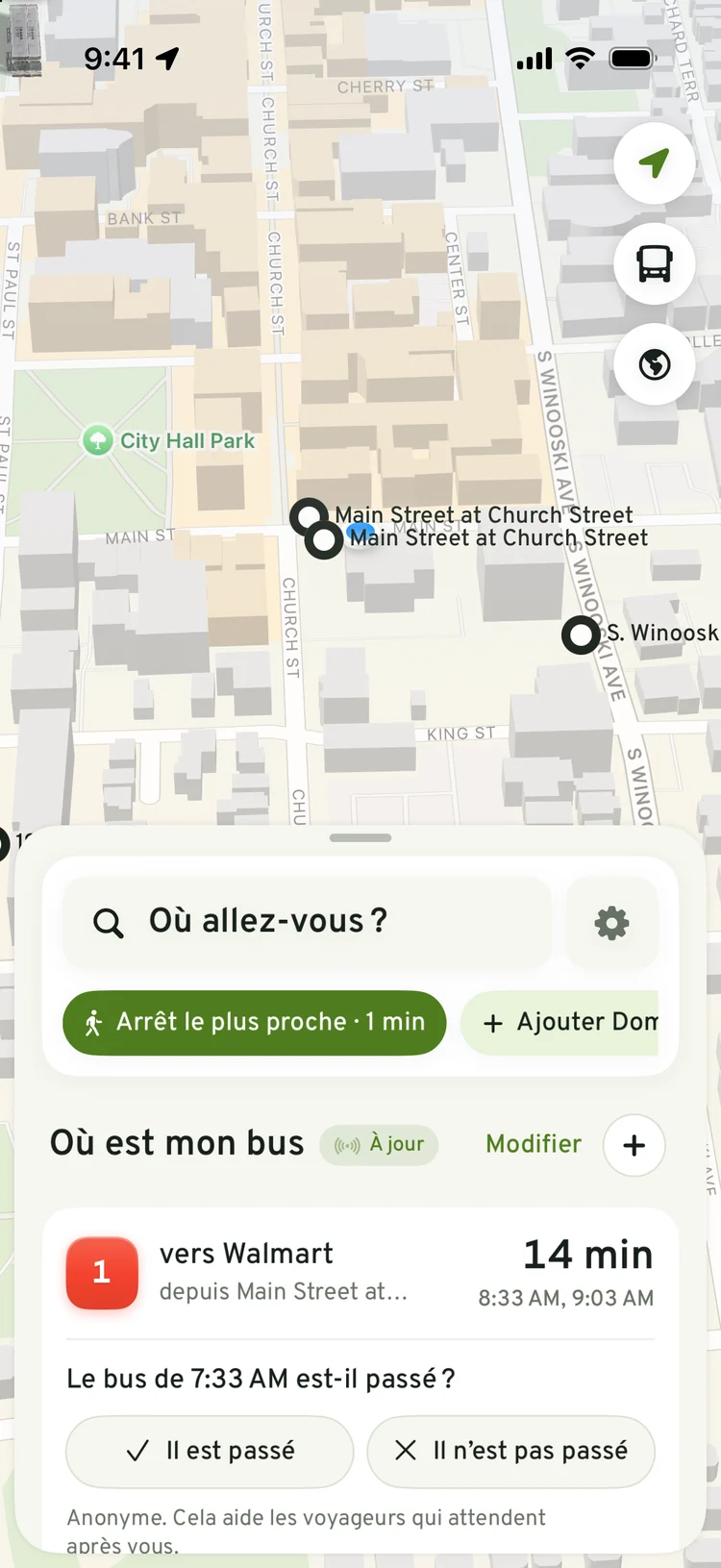
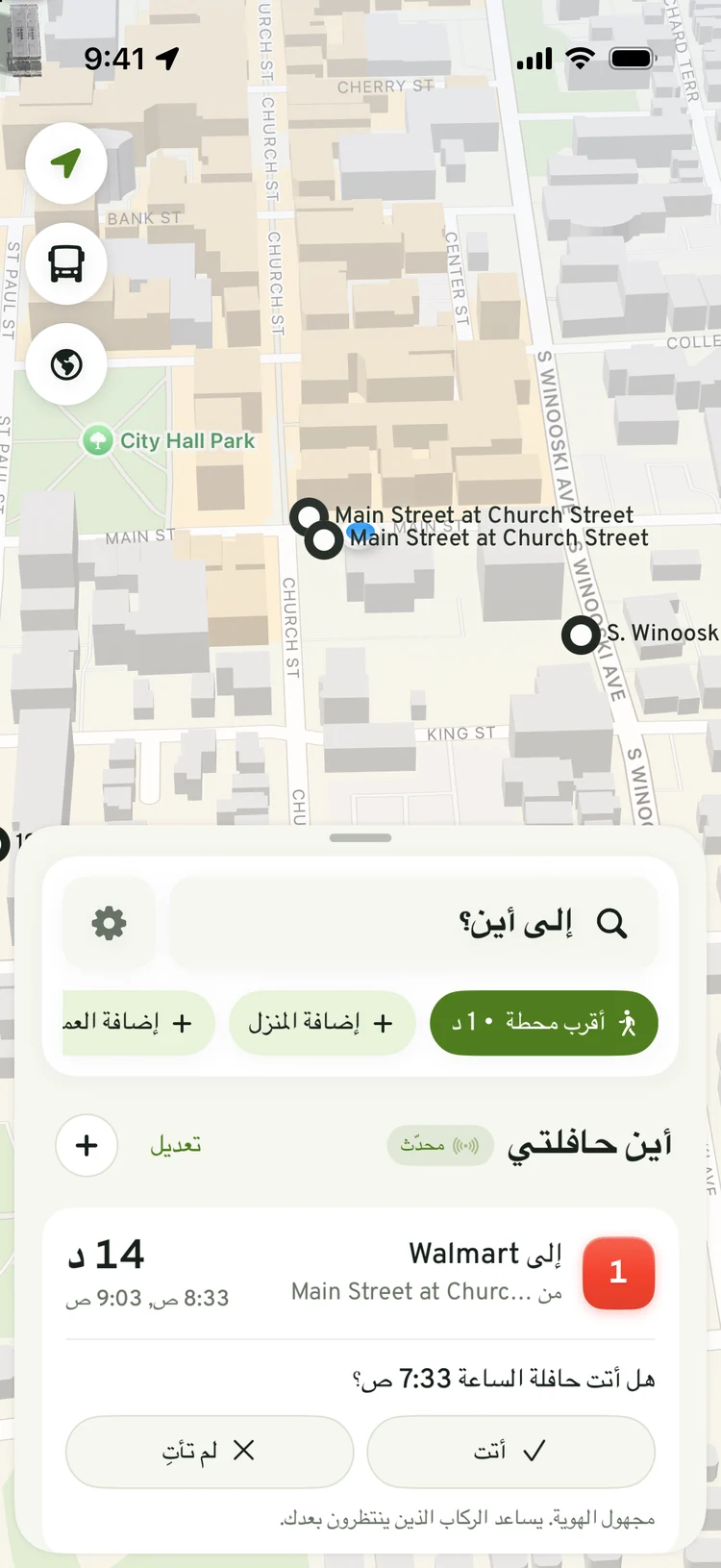
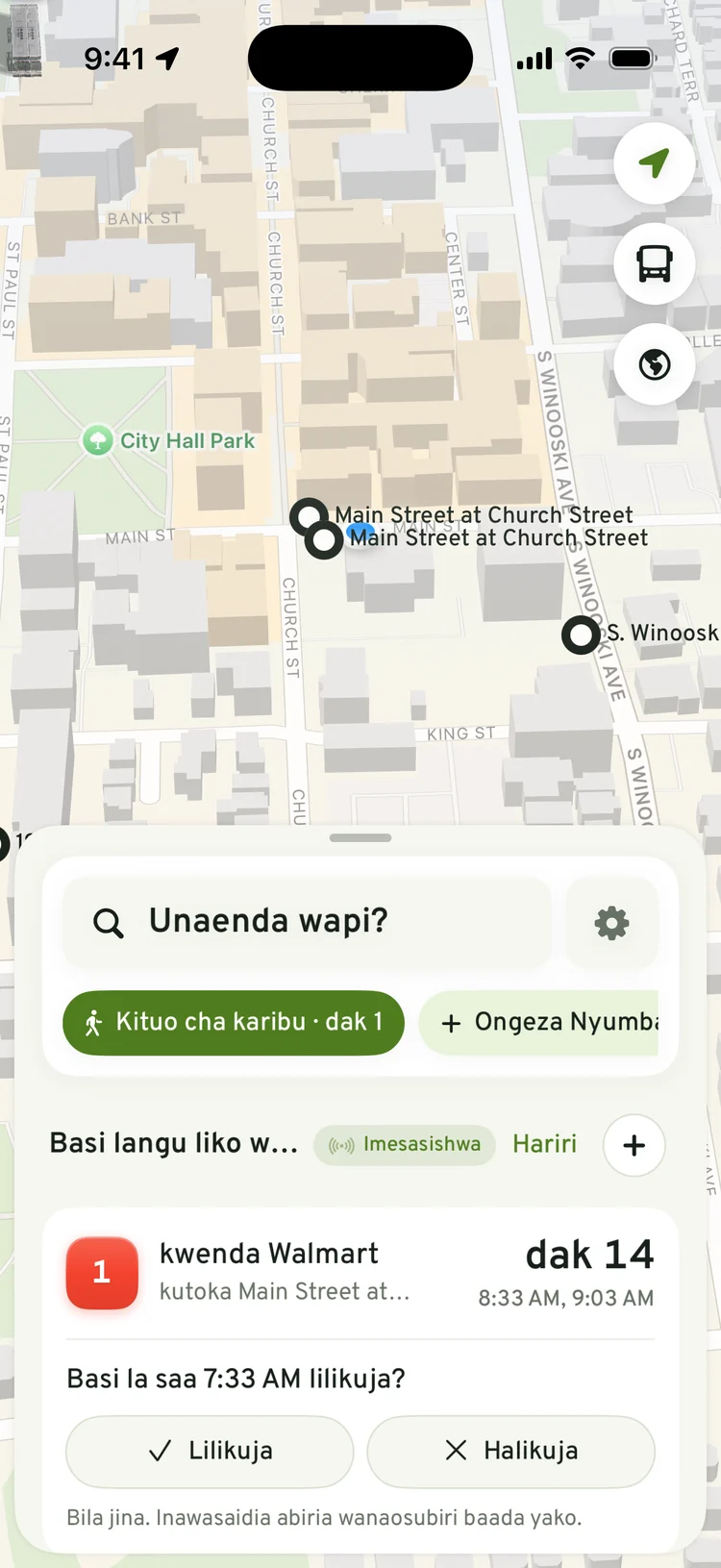
Your buses, before you open the app
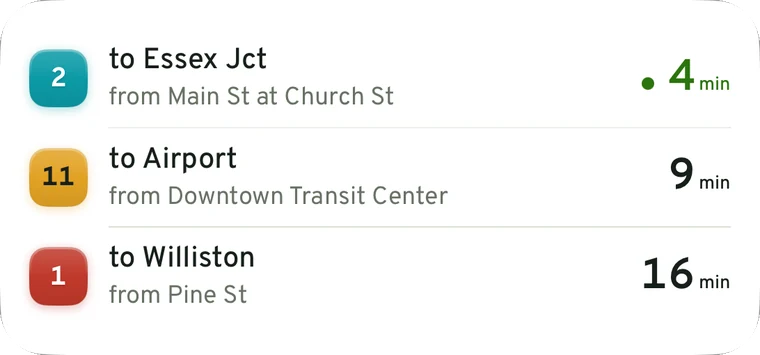
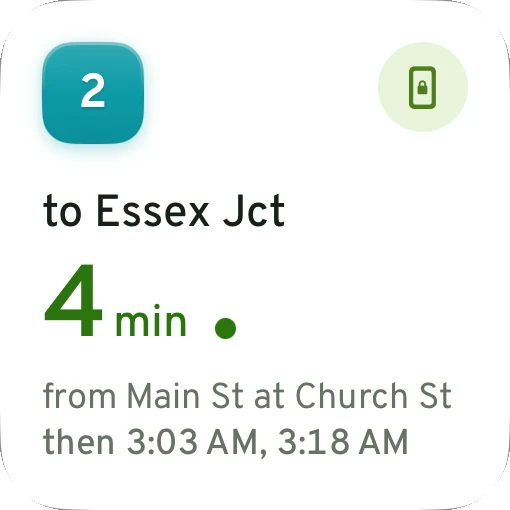
Follow the buses you take, each from the stop where you get on. Home lists their next times and shows each bus on the map, from its live position when the agency shares one and from the timetable otherwise. Widgets put the same times on your Home Screen and Lock Screen, and Siri can tell you when your bus comes.
Live times appear only for buses whose agency shares a real-time feed. Everywhere else, the app says plainly that it is showing the timetable.
Leave alerts
Leave on time, even in February
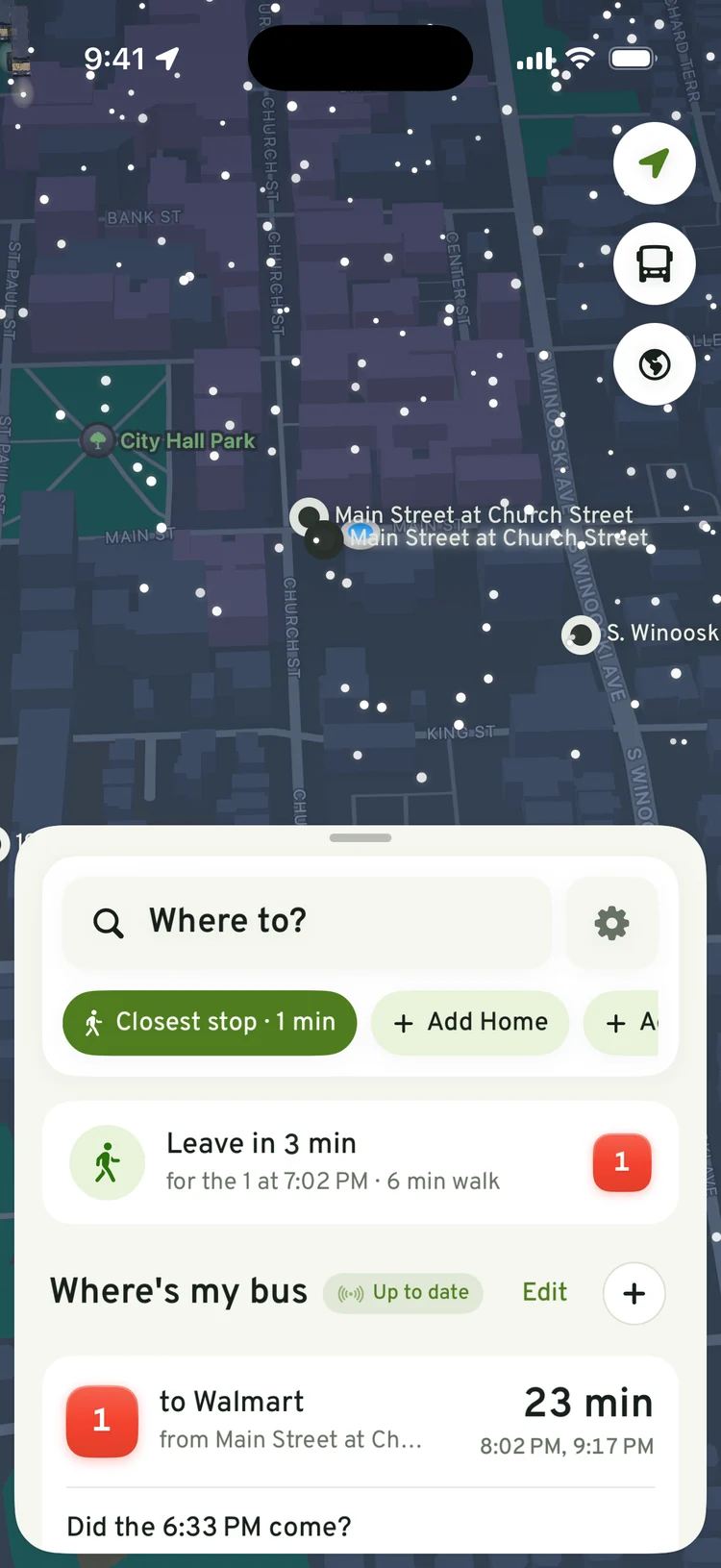
Pick a bus you follow and the app tells you when to start walking, timed from your walk to the stop. On a snowy evening that's the difference between waiting inside and waiting at the curb.
For students
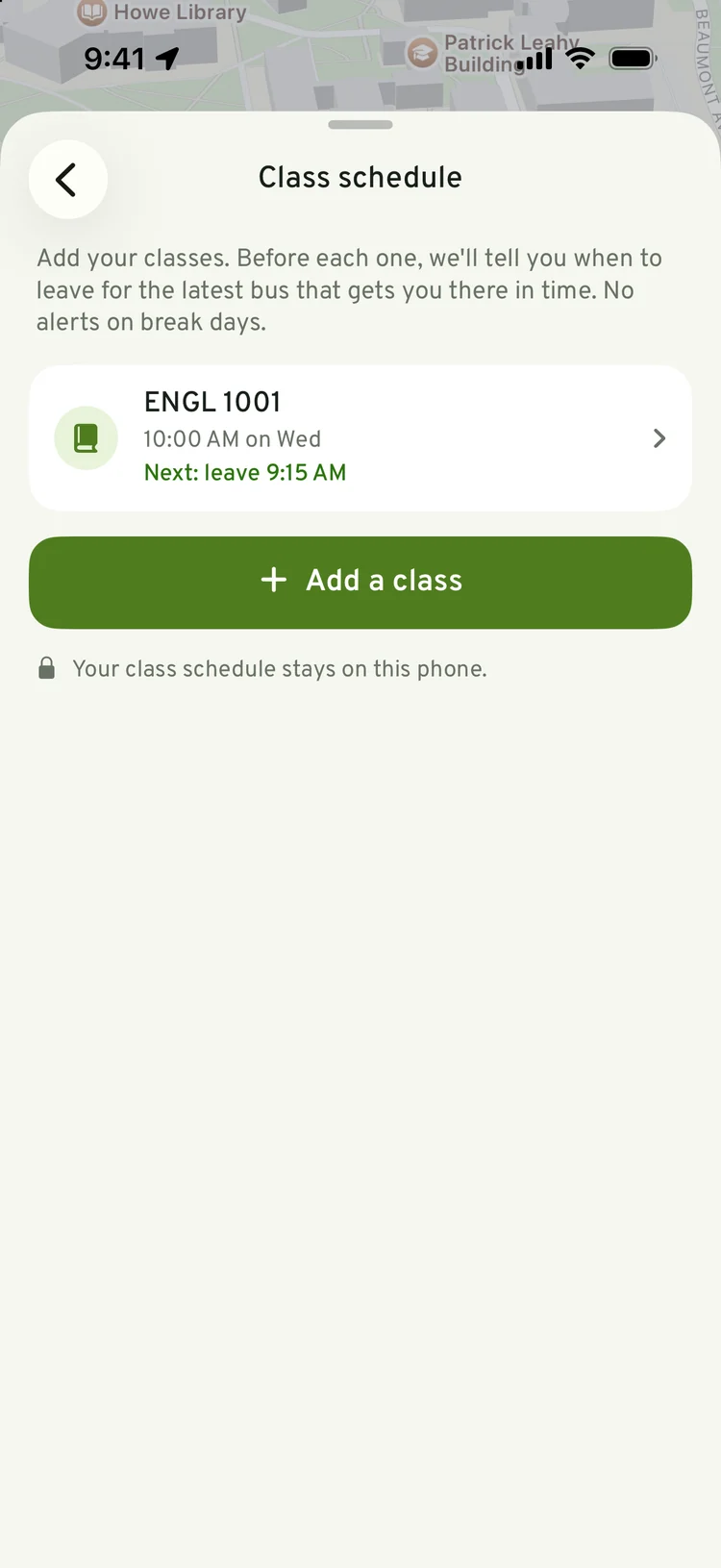
Built around your class schedule
Add your classes once. Before each one the app picks the latest bus that still gets you there on time and tells you when to leave. It knows the break calendars of three Burlington-area campuses, so it stays quiet on days off. Your schedule never leaves your phone.
Six languages
Speaks your language
Many riders in Burlington and Winooski speak Nepali, Swahili, Arabic, French or Spanish at home. The whole app, alerts included, switches language inside the app, without changing your phone's language.
- Search
- कहाँ जाने?
- Home
- मेरो बस कहाँ छ
- Leave alert
- 3 मिनेटमा निस्कनुहोस्
- Ride alert
- तपाईंको स्टप अर्को हो
Where it works
Every timetable in the state, in one app
Plan from Burlington to Brattleboro and the planner changes between operators for you. Timetables refresh every night from vermont-gtfs.org, and the app keeps a copy so schedules work without a signal.
Listed so you know whose buses are in the app. None of these operators runs or endorses BTV Transit.
Privacy
A bus app shouldn't need to know who you are
No account
No sign-up, no email, no password. Open it and find your bus.
Your location stays on your phone
It finds nearby stops and follows your ride on the device. It is never sent to us.
No ads, no analytics
Nothing is sold, shared for advertising or passed to data brokers.
Read the privacy policy, which lists every piece of data the app sends and how long we keep it.
Questions
Is it free?
Are the times live?
Which buses are included?
Do I need an account?
What does the app do with my location?
Is this the official app for my bus?
What phones does it run on?
Ride with us from day one
BTV Transit is in final testing. If you ride Vermont buses and want to try it before launch, email us and we'll add you to the beta.